From trusted sources to guided visitor answers
VisitorPilot connects to your approved website content, documents, resources, and internal knowledge, adds an AI assistant to your domain, and helps visitors find trusted answers and next steps. Your team gets a clearer view of what people need, where journeys break down, and where the experience can improve.
Workflow
Simple to launch. Easy to improve.
Start with one domain, connect the right content, and build a guided experience that improves as you learn from real visitor questions.
Connect trusted content
Start with the information your organization already trusts, including website pages, FAQs, documents, resources, policies, product details, and support content.
Add VisitorPilot to your site
Place the assistant on your domain with a lightweight website integration. White glove onboarding helps configure the first version correctly.
Answer real visitor questions
Visitors ask questions in plain language. VisitorPilot responds with helpful guidance based on approved content and visit context.
Guide the next step
Help visitors move toward the right page, form, contact option, resource, event detail, product information, or support path.
Review insights and improve
See common questions, content gaps, topic patterns, and popular next steps so your team can keep improving the website experience.

Setup
White glove onboarding is included
VisitorPilot is not positioned as a basic drop-in chatbot. Every plan includes onboarding support to help configure the assistant, connect approved content, and prepare the first version for launch.
Confirm the best starting content for your domain.
Configure the assistant around your approved pages, FAQs, documents, and resources.
Review the experience before it is used by real visitors.
Visitor Guidance
Guide people from question to action
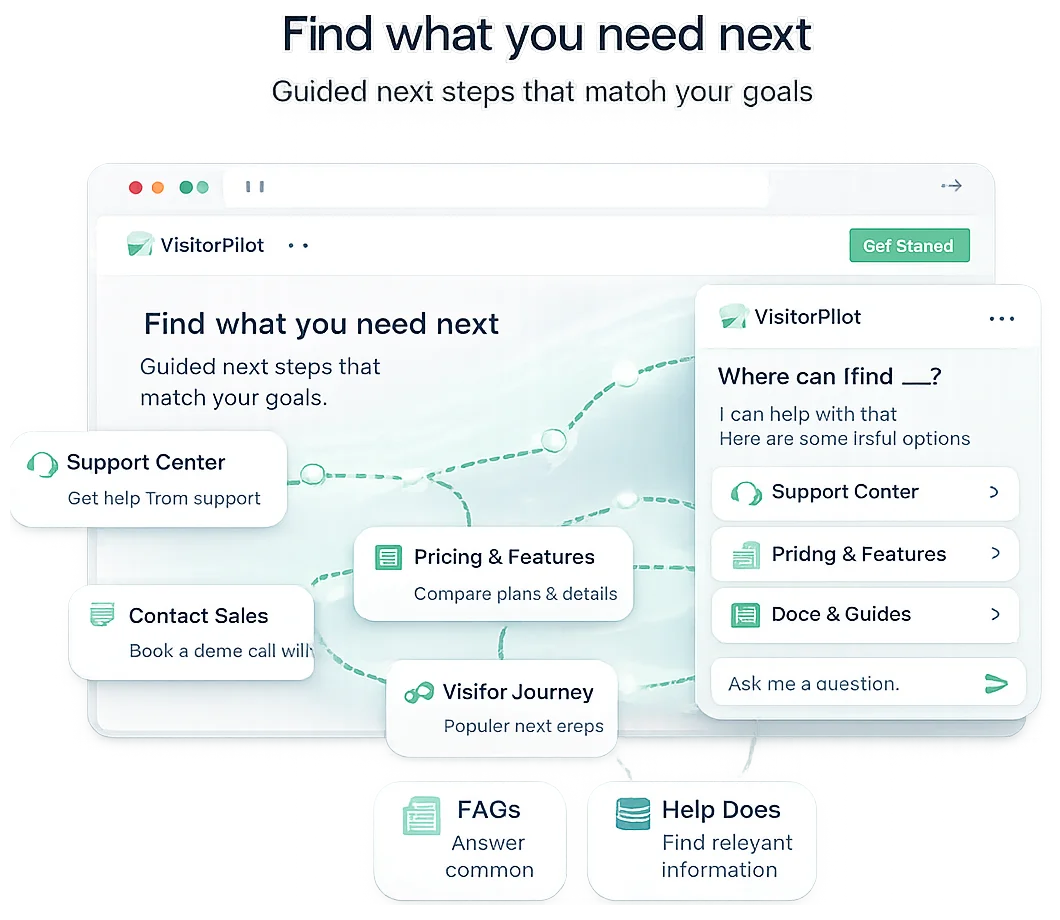
Visitors do not always know which page, form, resource, or contact path they need. VisitorPilot helps interpret intent and guide people toward the most useful next step.
Understand intent
Help visitors even when they do not know the exact keyword, page name, or navigation path.
Recommend paths
Guide users toward pages, forms, products, events, resources, or support options.
Use trusted answers
Ground responses in approved content sources instead of generic AI output.
Support many journeys
Serve different audiences across one domain, including prospects, customers, guests, students, or employees.
Visitor asks
“I need help finding the right resource.”
VisitorPilot answers
“Here are the most helpful options based on your question.”
Relevant page
Best match
Next action
Form or contact
Helpful context
Related resource
Insights
Learn what visitors actually need
VisitorPilot turns real questions into useful insight. See what people ask most often, where content is unclear, and which next steps visitors are being guided toward.
Common questions
See what visitors ask most often.
Content gaps
Find topics that need better coverage.
Popular next steps
Understand where visitors are being guided.
Improvement signals
Use behavior to refine pages, FAQs, and journeys.
FAQ
How it works questions
Do we need to rebuild our website?
No. VisitorPilot is designed to work with your existing website experience. The goal is to add helpful guidance and insights without forcing a full rebuild.
What content can VisitorPilot use?
VisitorPilot can be configured around approved website pages, FAQs, resources, documents, policies, product details, support content, and other trusted sources.
Can we start small?
Yes. The recommended launch approach is to start with one domain and one priority journey, then expand as you learn from real visitor questions.
Is onboarding included?
Yes. Every plan includes white glove onboarding so the assistant is configured around approved content and prepared for launch.
Start with your website and launch with support
Connect trusted content, guide visitors in real time, and learn what your audience needs from the first question.